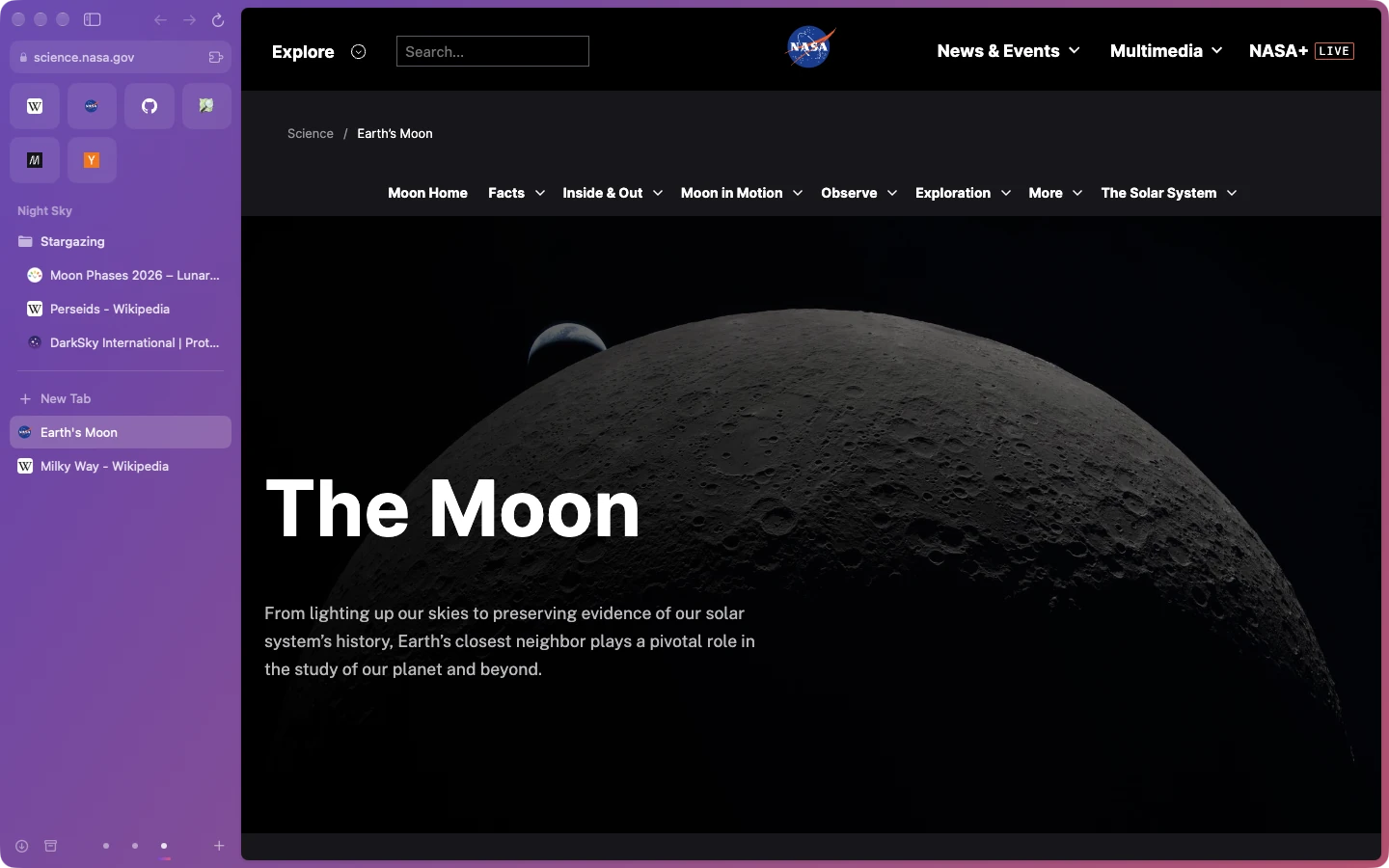
Tabs live in the sidebar.
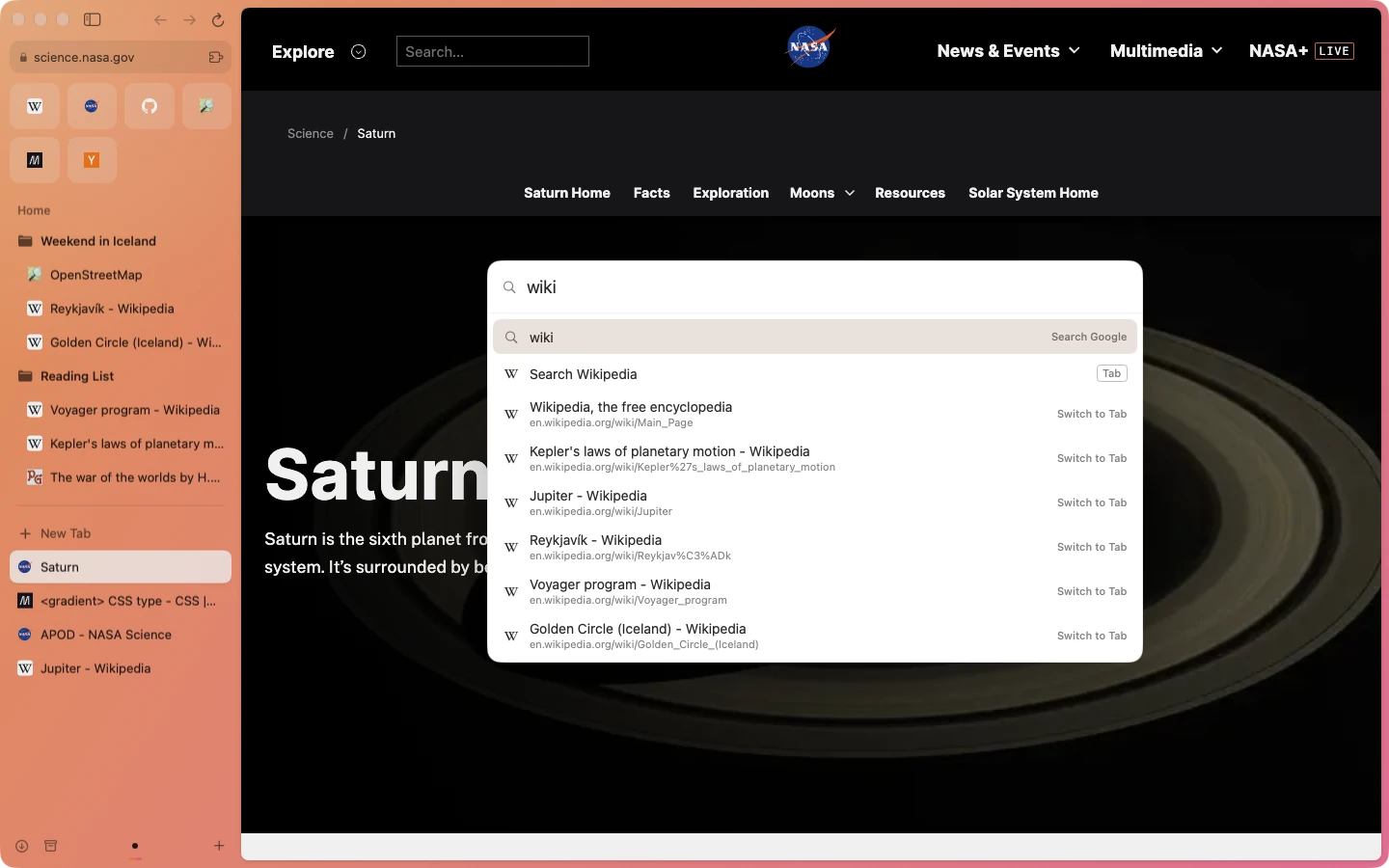
Keep the sites you open every day as favorites, tuck tabs into folders, and let today’s tabs tidy themselves into the archive after 12 hours, a day or a week. The page gets the rest of the window.
 Orbit
Orbit is an Arc-style browser for your Mac. Tabs live in a sidebar, every part of your life gets its own space, and any page is one keystroke away.
For macOS 14 or later on Apple silicon.
Windows and Linux are on the way.
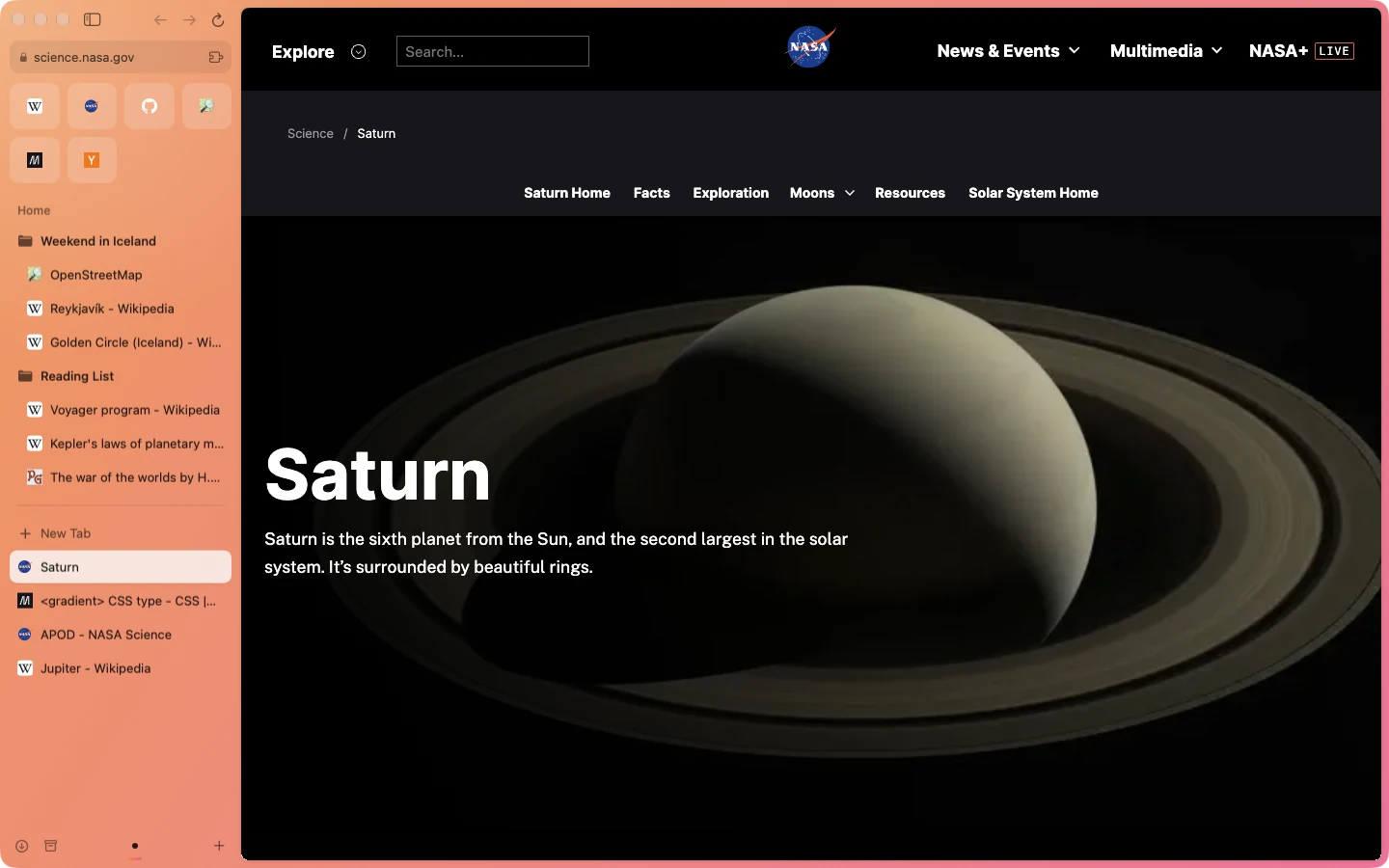
Keep the sites you open every day as favorites, tuck tabs into folders, and let today’s tabs tidy themselves into the archive after 12 hours, a day or a week. The page gets the rest of the window.
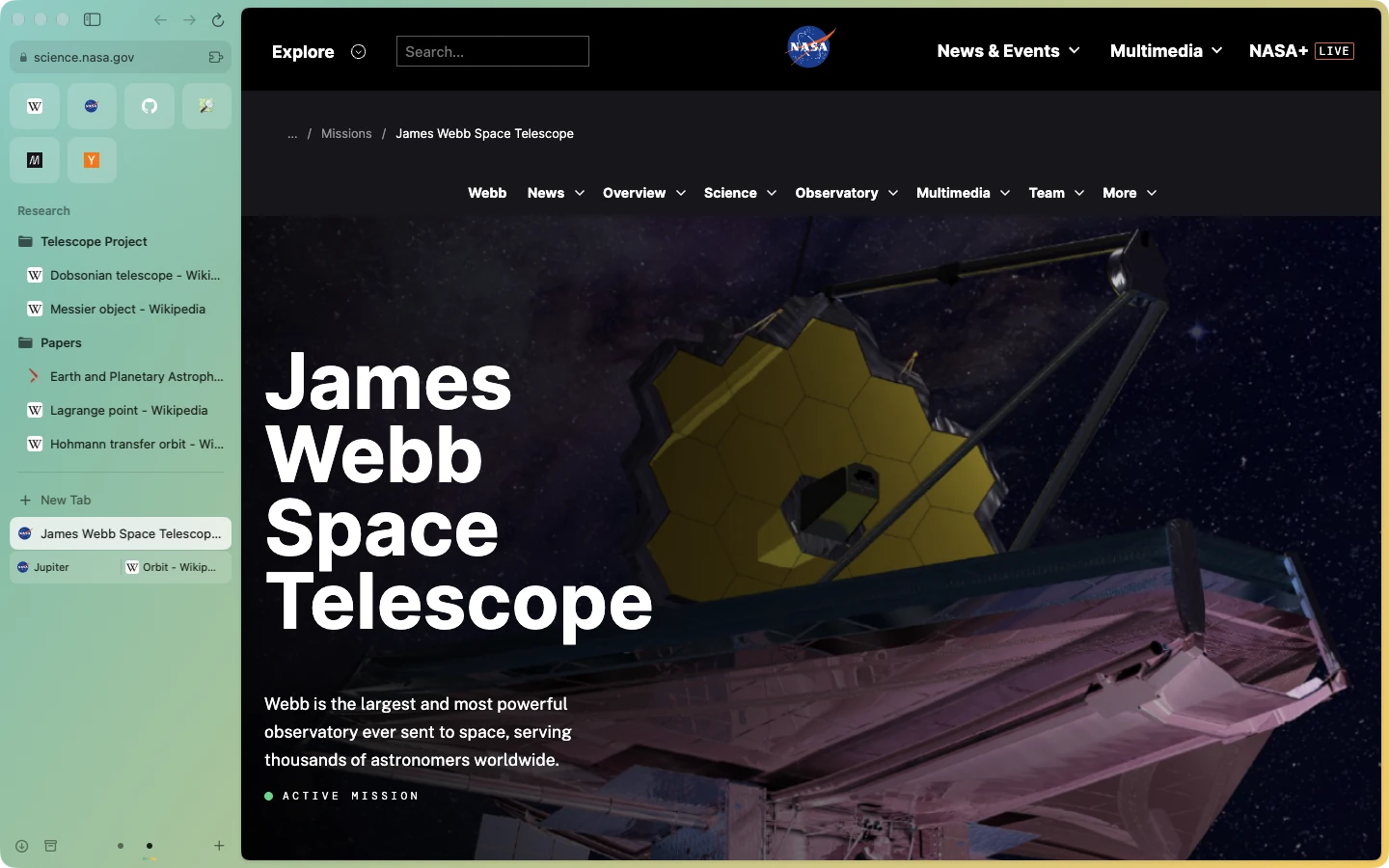
Give work, home and side projects their own space, each with its own color theme, folders and tabs. Switching spaces swaps the whole sidebar in a click.
Press ⌘T and type. Orbit searches the web, your open tabs, your history and its own commands at once. Press Tab to search a site like Wikipedia directly.
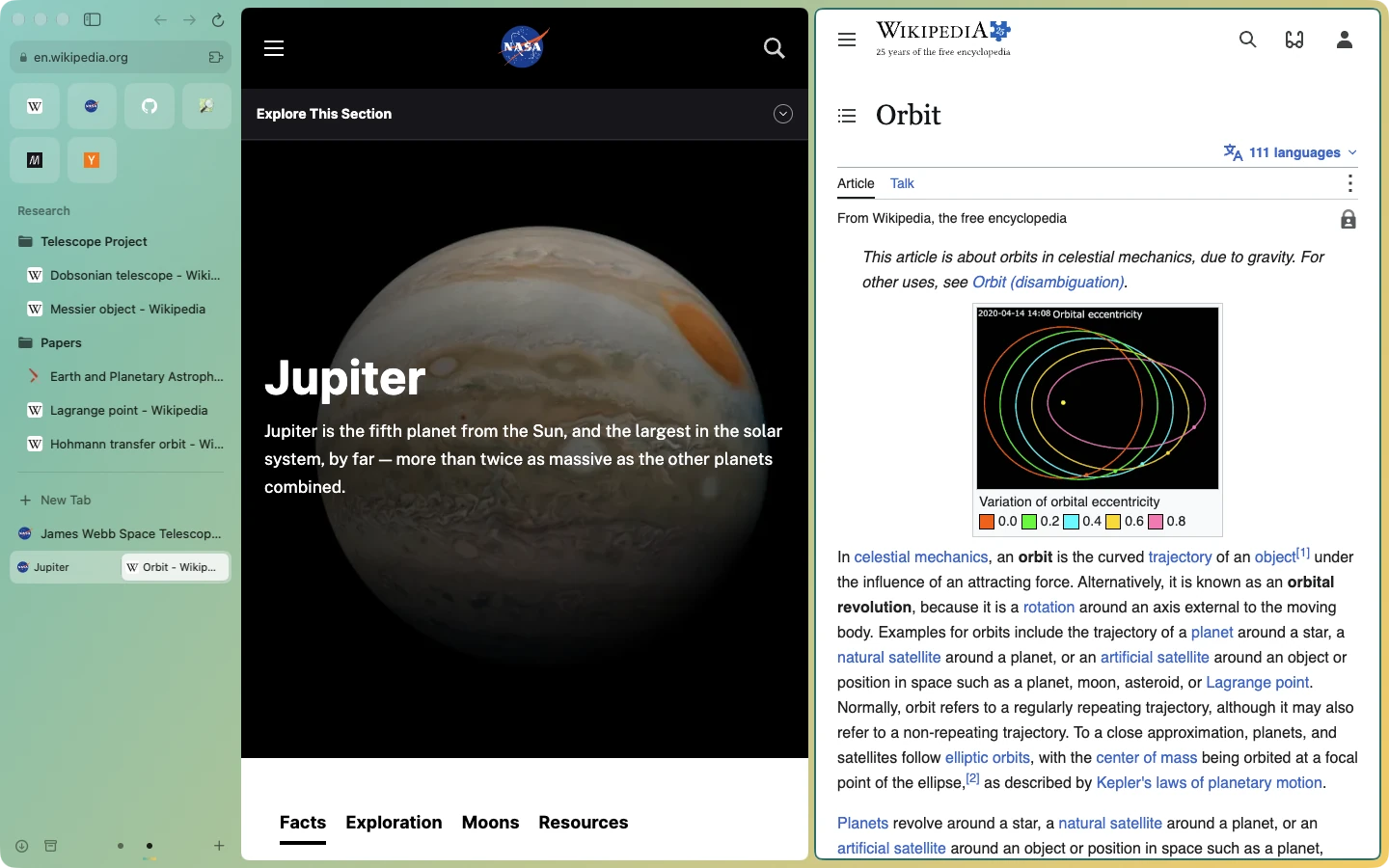
Put two tabs side by side or one above the other, to read and write at once. Split View keeps the pair together in the sidebar until you separate them.
Import your spaces, pinned tabs and folders from Arc in one go, or your bookmarks and history from Chrome, Safari, Firefox and more.
Install your favorites straight from the Chrome Web Store and pin them to the sidebar.
Restyle any site with your own CSS or JavaScript, or zap the parts of a page you never want to see.
Shift-click a link to preview it, or open it in a small window you can close or keep as a tab.
Pop a video out to keep watching while you work, with play controls right in the sidebar.
Browse without leaving history, cookies or tabs behind.
Orbit is a native app around the same engine as Chrome, so sites just work and the interface feels at home on your Mac.
Orbit doesn’t track what you browse or how you use the app. The only thing it ever sends us is a bug report, and only when you write one and press send.
That’s the idea. Orbit has the sidebar with favorites, folders and tabs that archive themselves, spaces with their own colors, the command bar, Split View, Peek, Boosts, Easels, a Mini Browser and Control-Tab. Import your Arc sidebar and pick up where you left off.
A Mac with Apple silicon (M1 or newer) running macOS 14 Sonoma or later.
We’re building both now with GPUI, on the same Rust core as the Mac app. There’s no date yet. Check back here.
Streaming services protect their shows with DRM, and they only play in browsers that hold the right licenses. Orbit already supports the technology behind it. We’re working on getting the proper licenses so content from Netflix, Amazon Prime Video, Disney+ and others plays in Orbit. Until then, those services may refuse to play.
Most do. Orbit installs extensions from the Chrome Web Store, and you can pin them to the sidebar.
No. There’s no telemetry or analytics of any kind. Orbit sends a bug report only when you write one and press send. It also checks for updates, which tells us nothing about you.
Chromium, through the Chromium Embedded Framework (CEF), so pages look and behave as they do in Chrome. Around it is a Rust core, with a native SwiftUI interface on the Mac and GPUI for Windows and Linux.
Automatically. Orbit checks for new versions and updates itself, and every update is signed and notarized by Apple.
Nothing. Orbit is free to download and use.